iCoda
Create.
Build your own iCoda single. Lock images and a track. Export as a self-contained HTML file.
Start iCoda Create →
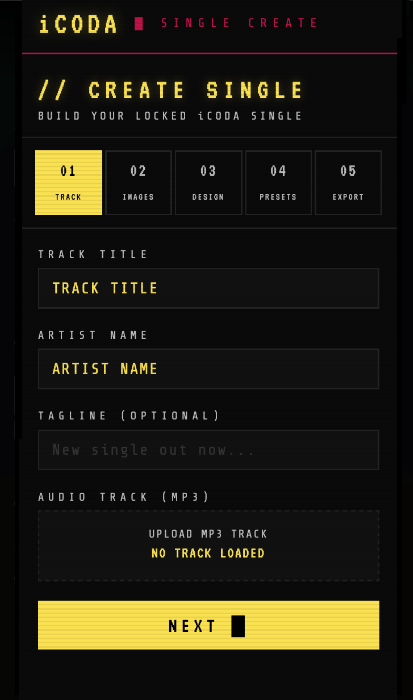
iCoda Single Create is where iCodas are made. Choose a track and a set of images, build them into an iCoda single, and export it as a self-contained HTML file. Add it to your site, share it with fans, or use it at a live event.
The Mixer lets you control how the images behave — fade, opacity, size, blend mode and mask. Use the Banks to assign different images to different parts of the track. Export when you’re happy. The result is a unique, playable visual artwork.
Three steps.
Add your track and images
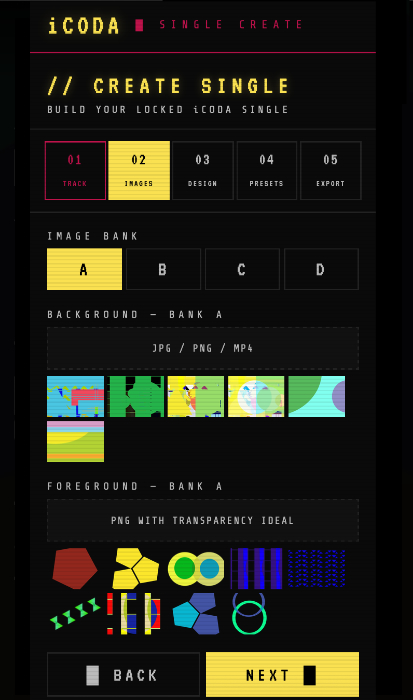
Choose an MP3 track under 20mb and import your background and foreground images. Use multiple Banks to assign different images to different parts of the song.
Set the look and feel
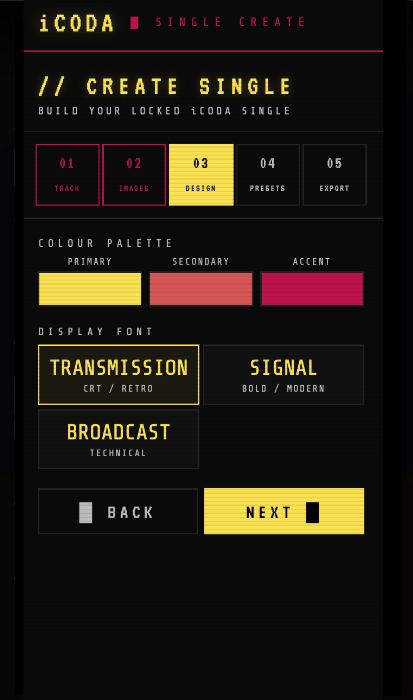
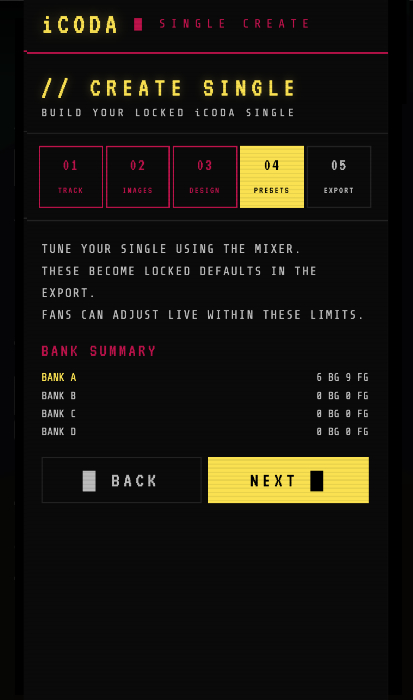
Choose your Landing Page font and colour. Adjust the Mixer presets to set the default behaviour of your images. Everything can still be changed after export.
Export and share
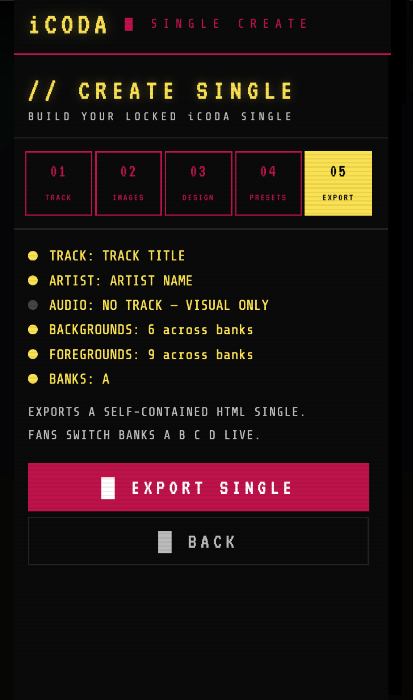
Review the summary of what you’ve built. When you’re happy, export the iCoda as a self-contained HTML file. Add it to your website or share it directly.
What you’ll find inside.